Increased Latency Upon Joining a Session
-
Hello,
I am using a 6 month old Windows computer in Northern Illinois and my partner is using a 3 yr old Mac and is located in Nashville. I do not have a fiber connection however, my provider did just upgrade the area and I have 500gb service. I had a technician come out and I am getting the speed I am paying for. I am using a focusrite 2i2 interface and he is using a focusrite 18i8 both have the most updated drivers installed. We are both using CAT6 wire and an adapter. We are also using our studio headphones plugged directly into our interface. We both have extremely low latency before we join a session me 3-5ms and him 1-3ms, once we join it immediately jumps to 20+ms. I opened the asio buffer and changed my buffer to 32 as shown in the video and he changed his Mac also to the recommendation. I feel like we have tried about everything to get the latency under 20ms to no avail. Any help would be appreciated. Thanks.


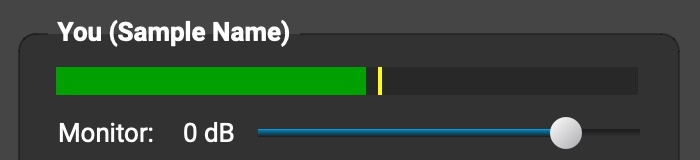
 to turn Auto off (
 ). Check out our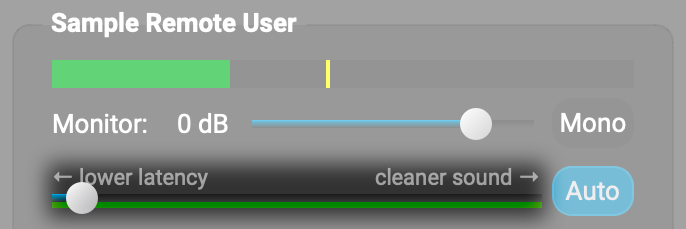

- You must be logged in to reply to this topic.