Zoom out of your face on the MacBook Neo
-
Hi everyone,
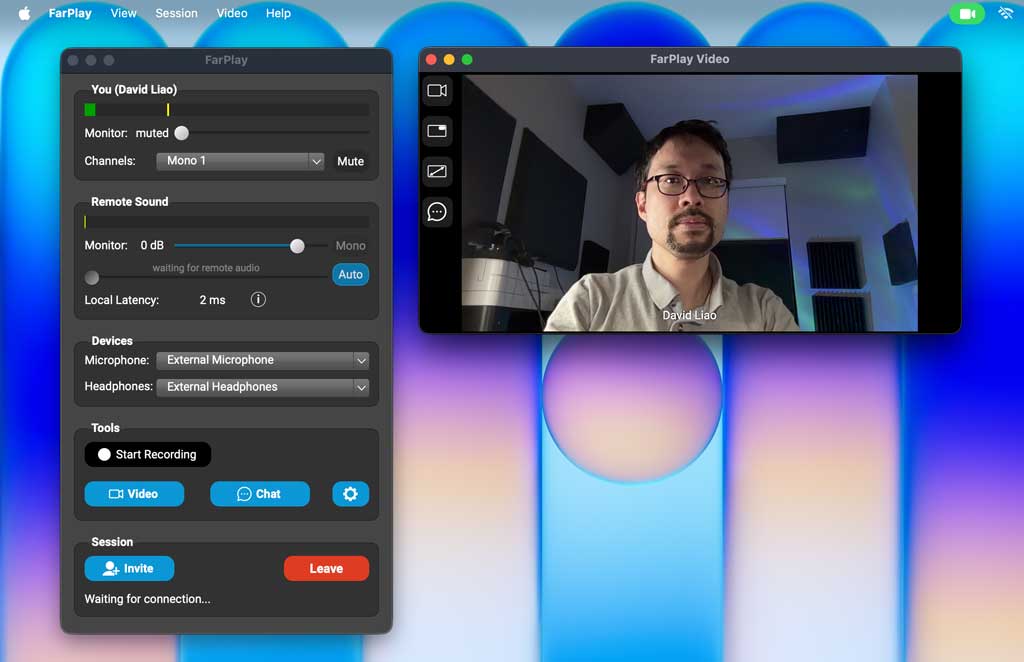
If you’re using FarPlay on a MacBook Neo, you might find that the video from the built-in camera is zoomed in more than you like.

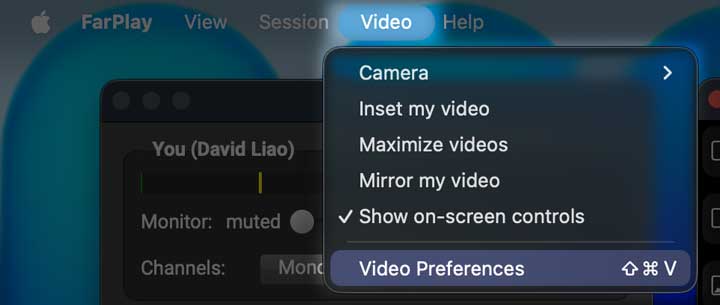
This is easy to fix. Go to Video > Video Preferences.
Change Your max resolution (width in pixels) to 1280 and press OK.
Then the video from your Neo’s camera will be zoomed out.
By the way, we’ve tested ourselves, and FarPlay runs great on the Neo 🙂.Thank you,
David Liao




- You must be logged in to reply to this topic.