Workarounds: Minimizing a Mac window stops screen sharing
-
Dear FarPlay for Mac users,
If minimizing a window causes screen sharing to stop (the preview of your screen in FarPlay’s Video window gets replaced by a black preview with three white dots), check out the solutions below.

-
Hover your cursor over the Mac dock’s section divider and drag downward to make the dock smaller (drag leftward if your dock is vertical).
Then, turn screen sharing off and back on in FarPlay.
- Alternatively, switch to the version of FarPlay compatible with macOS 10.13-10.15.7. Download it from our download page.
Currently, FarPlay for macOS 11.0+ has a bug that turns screen sharing off when the dock changes height (or width, if your dock is vertical), as can happen in some cases when a window is minimized and turned into a thumbnail on the dock. Shrinking the dock provides more room for app thumbnails so you can minimize more apps without crowding the dock and making the dock’s height (or width, for vertical docks) change. FarPlay for macOS 10.13-10.15.7 (which also runs on macOS 11.0+) doesn’t have this bug.
Thank you,
David Liao -
Hover your cursor over the Mac dock’s section divider and drag downward to make the dock smaller (drag leftward if your dock is vertical).

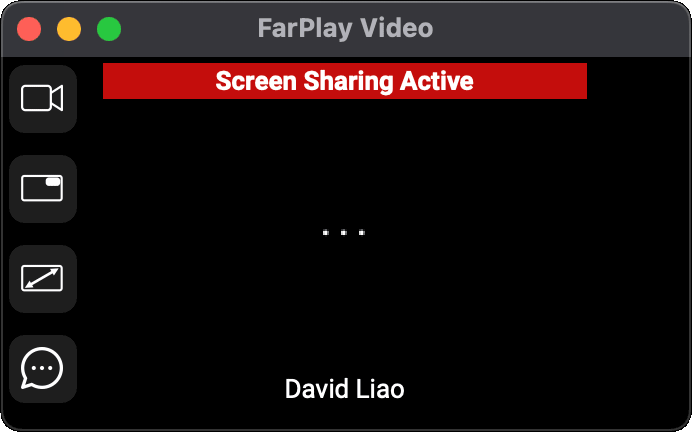
 Then, turn screen sharing off and back on in FarPlay.

- You must be logged in to reply to this topic.