Hi Martin,
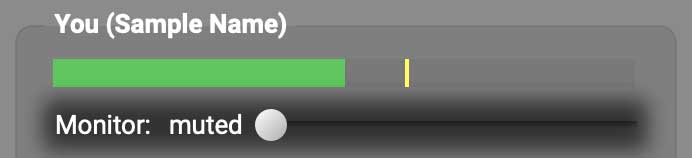
Thanks for your post. In the You (…) subpanel, please drag the Monitor slider all the way to the left (muted)

If you still hear yourself in your headphones, turn your audio interface’s direct monitoring off (typically using a button/switch, knob, or software setting like in the examples below):
-
If you use a Focusrite Scarlett, press the Direct Monitor button/switch (photo from Focusrite).
-
If there’s no Direct Monitor button/switch on your Scarlett, mute the input from your mic etc. in your headphones using Focusrite Control for 3rd-generation Scarletts or move the Direct Monitor toggle switch to the off position in Focusrite Control 2 for 4th-gen Scarletts.
-
If you use a PreSonus AudioBox, turn the Input-Playback Mixer knob (photo below from PreSonus) all the way to Playback.
-
If you’d like to share the model of a different audio interface you’re using, I’d be happy to provide custom instructions for turning direct monitoring off.
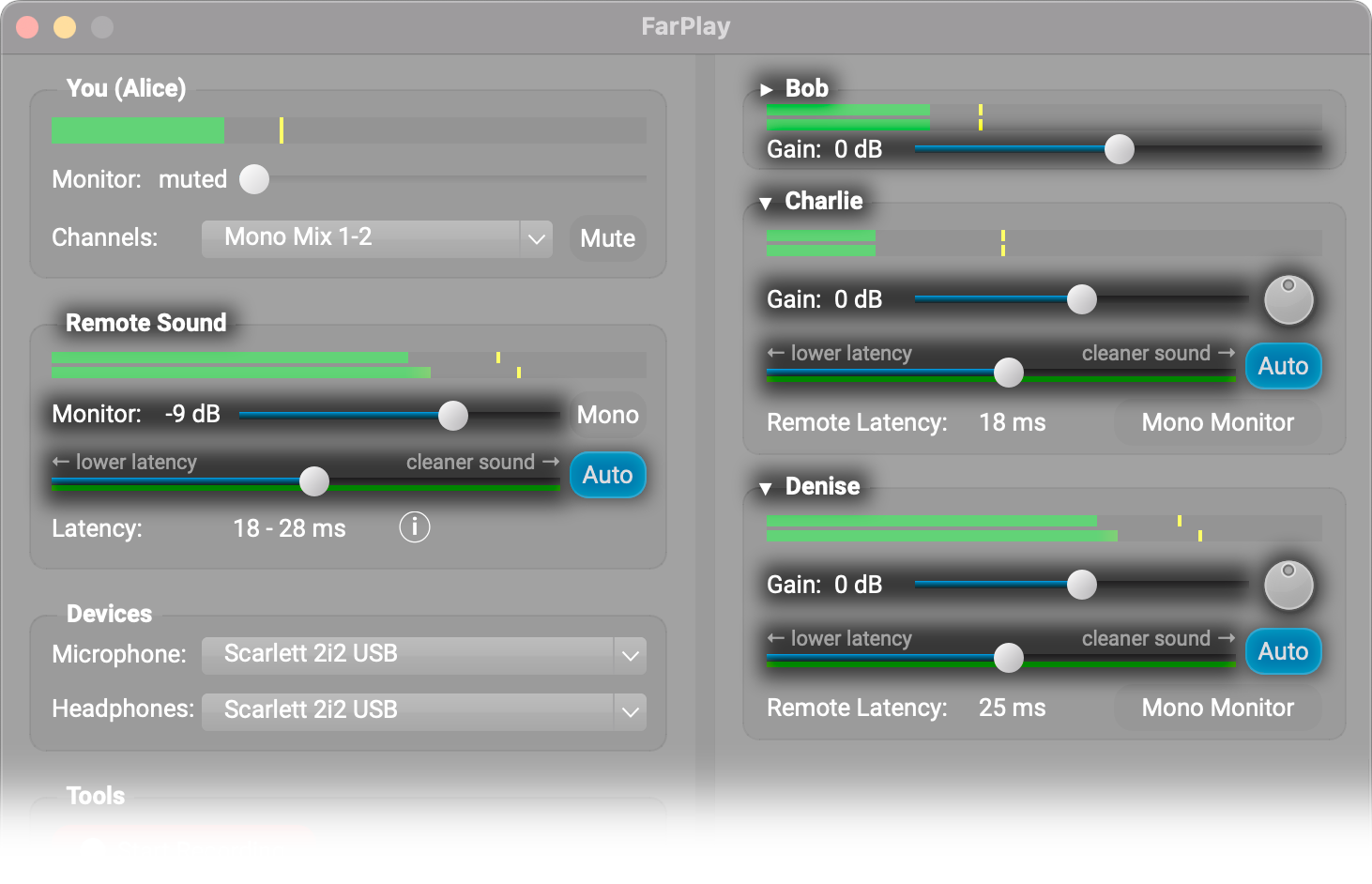
To adjust the mix of the remote musicians you hear in your headphones in a multi-user session, adjust the gain sliders and pan pots (knobs) in the right panel of FarPlay’s main window.
If you’re using the advanced method of joining a session with two copies of FarPlay so you can record separate .wav files for your microphone and backing tracks, wait for a remote musician to join. Then, in the right panel of the copy of FarPlay that’s bringing your backing tracks into the session, drag the Gain slider under your name all the way to the left (muted).
Thank you,
David Liao
-
This reply was modified 3 weeks ago by
 David Liao.
Thanks David, that’s very helpful. i’m using a Behringer Flow 8.
Thank you again,
martin
Dear Martin,
You’re welcome. If you still hear your own voice etc. in your headphones after dragging the Monitor slider under You (…) all the way to the left (muted), try turning direct monitoring off on your Flow 8 using the steps in the first paragraph in this reddit comment (in the FLOW Mix app).
Thank you,
David Liao
-
This reply was modified 2 weeks, 6 days ago by
David Liao.
-
This reply was modified 2 weeks, 6 days ago by
David Liao.
-
This reply was modified 2 weeks, 6 days ago by
David Liao.
-
This reply was modified 2 weeks, 6 days ago by
David Liao.