Good morning Gerardo,
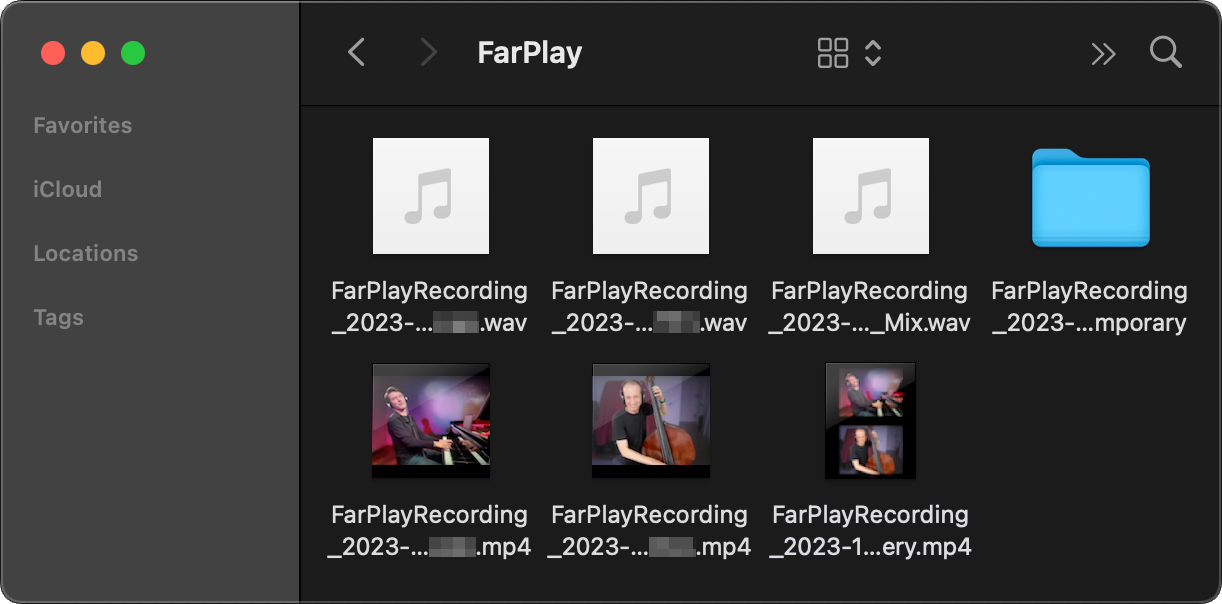
If you recorded your session by clicking Start Recording > record video & audio, please click View > Show Video Post-Processing Window, click Process for the recording you’d like to export, and then press Process again. When processing finishes, the exported .mp4 will be in the same folder you selected when you started the recording. For more screenshots showing how to export .mp4 video files, see our video-recording instructions.

If you recorded your session by clicking Start Recording > record audio only, the .wav audio is available right away in the folder you picked when you started the recording. For more information about making recordings, see our recording instructions.
Thank you,
David Liao
-
This reply was modified 3 weeks ago by
 David Liao.