Reply To: Downloading app

Dear Kevin,
Thanks for your post. Please do the following.
-
Double-click the dmg file.

-
In the installation window that appears, drag the purple FarPlay icon to the shortcut for the Applications folder.
Once the notification sound indicates that FarPlay has been copied to the Applications folder, click File > Eject.
-
Go to your Applications folder and double-click the purple FarPlay icon.
Enjoy FarPlay!
- Feel free to delete the dmg once FarPlay is installed. You can always return to farplay.io/download to download the latest version of FarPlay.
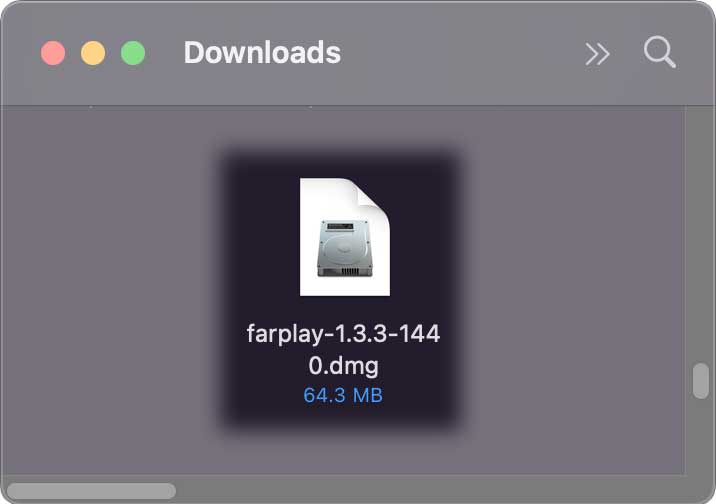
 to the shortcut for the Applications folder.
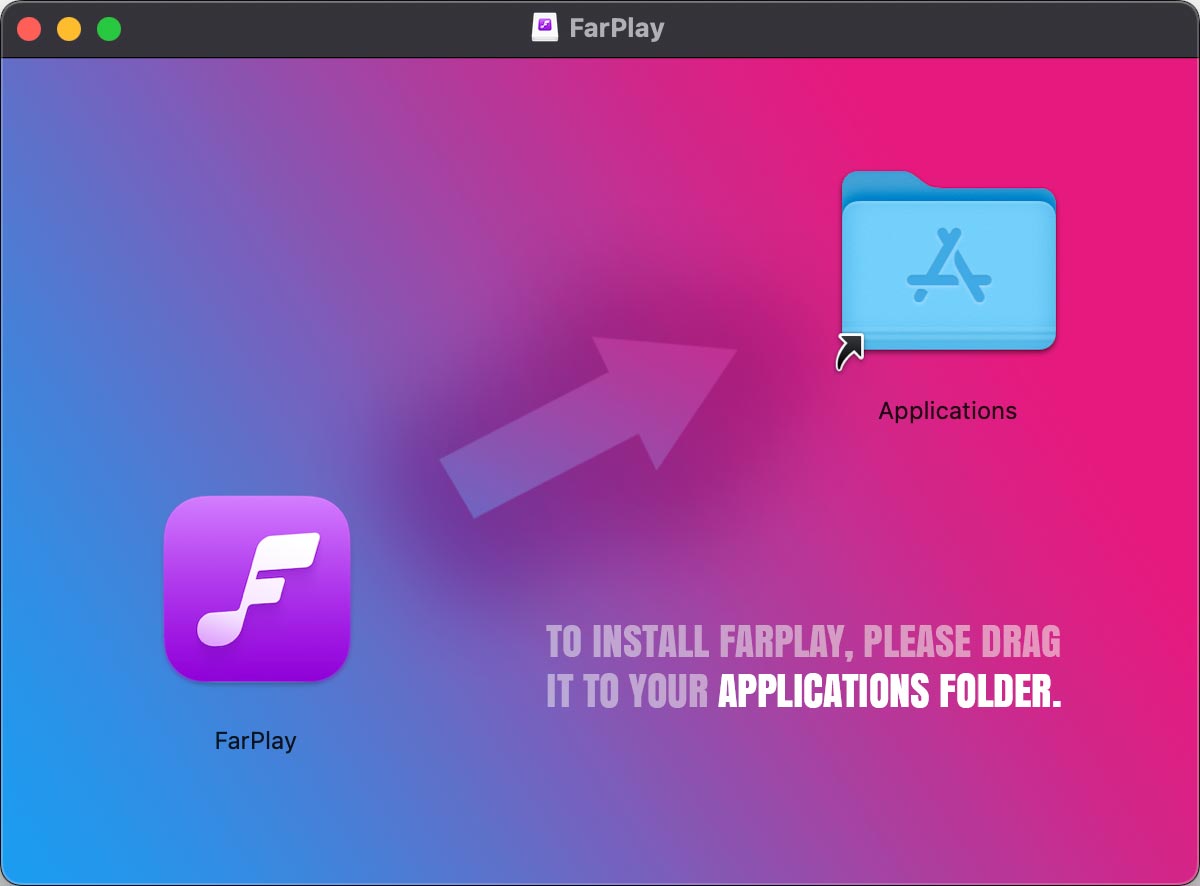 Once the notification sound indicates that FarPlay has been copied to the Applications folder, click File > Eject.
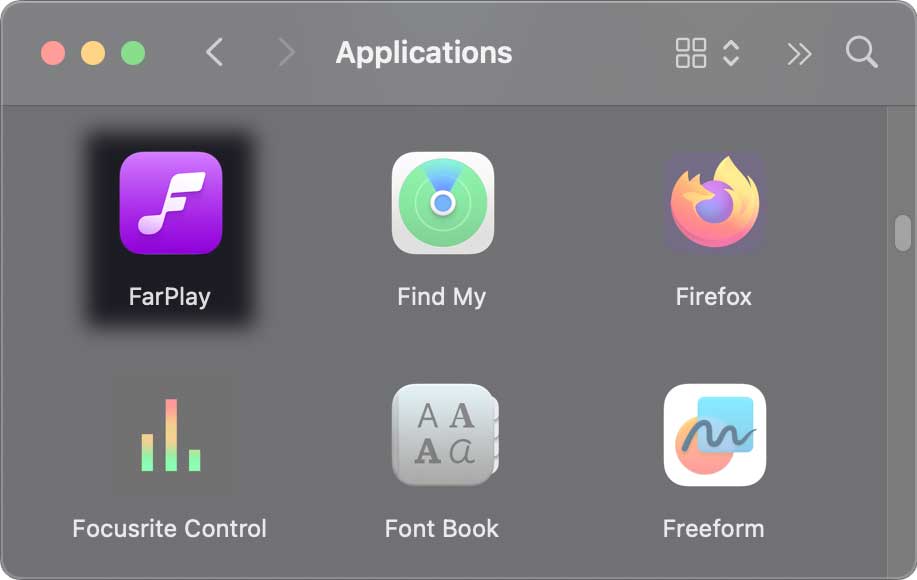 Enjoy FarPlay!
We highly recommend the tutorial videos on our QuickStart page, which walk you through setup steps, including installing FarPlay.
Thank you,
David Liao
-
This reply was modified 1 month ago by
 David Liao.
