Downloading app
-
I am trying to download the app and it downloads as a dmg file. Once I put it in the application folder it still shows as a dmg file. I’ve put the file both in the application file itself and the one on the farplay provided folder. I just started a paid subscription and itching to get started. My friend who also just started tried to help me solve the issue but we couldn’t figure it out.


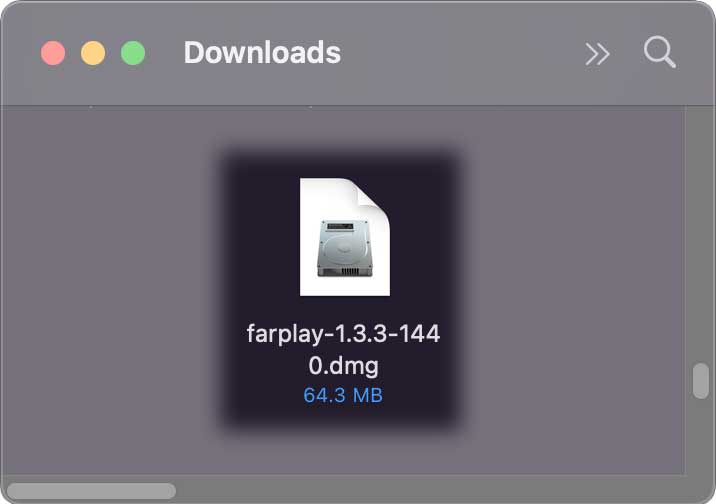
 to the shortcut for the Applications folder.
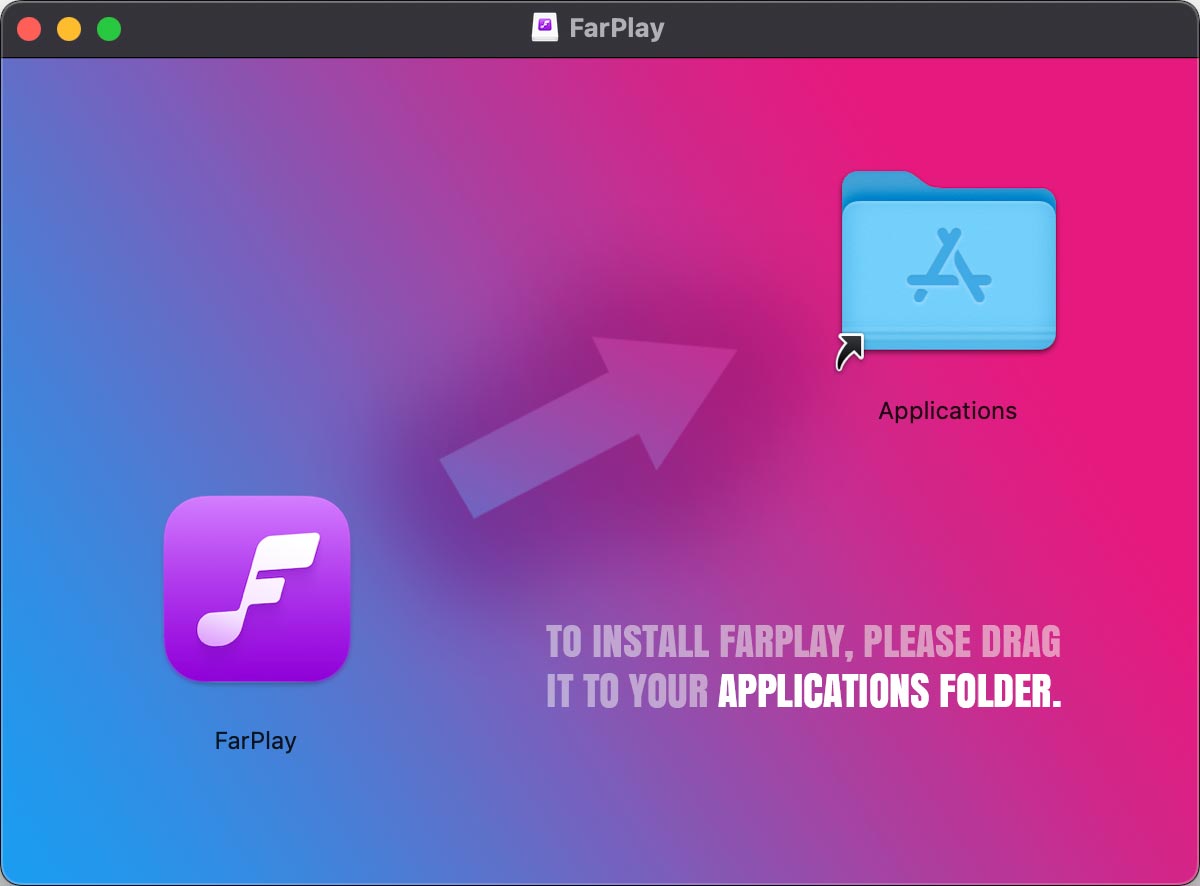 Once the notification sound indicates that FarPlay has been copied to the Applications folder, click File > Eject.
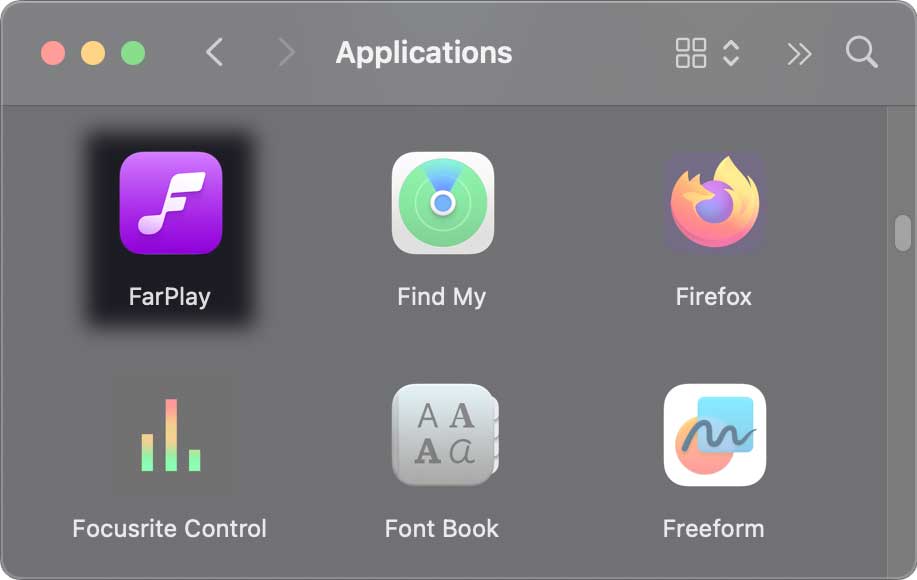 Enjoy FarPlay!

Viewing 1 replies (of 1 total)
- You must be logged in to reply to this topic.