Hi Dante,
Thanks for your message. First, can you go to https://farplay.io/myAccount, click the Log Out button at the bottom, then log back in, and then click Meet in the navigation menu bar at the top of the page? Please let us know if this suggestion helps; we’d be happy to provide additional help.
Thank you,
David Liao
-
This reply was modified 4 months ago by
 David Liao.
-
This reply was modified 4 months ago by
David Liao.
-
This reply was modified 4 months ago by
David Liao.
-
This reply was modified 4 months ago by
David Liao.
Hi David!
Thanks for the quick response. Sorry; I forgot to mention I had already tried your recommended actions to no avail. However, I tried your recommendation again just now, and it still did not work. Do you have anything else I can try?
Dante
Hi Dante,
Could you try logging out of and back into https://farplay.io/myAccount and then clicking on Meet one more time? A record in your account changed internally in our system yesterday, and I think you might be able to access Meet now. So sorry for this inconvenience — we are troubleshooting to prevent this from happening again.
Thank you,
David Liao
-
This reply was modified 4 months ago by
David Liao.
Hi David,
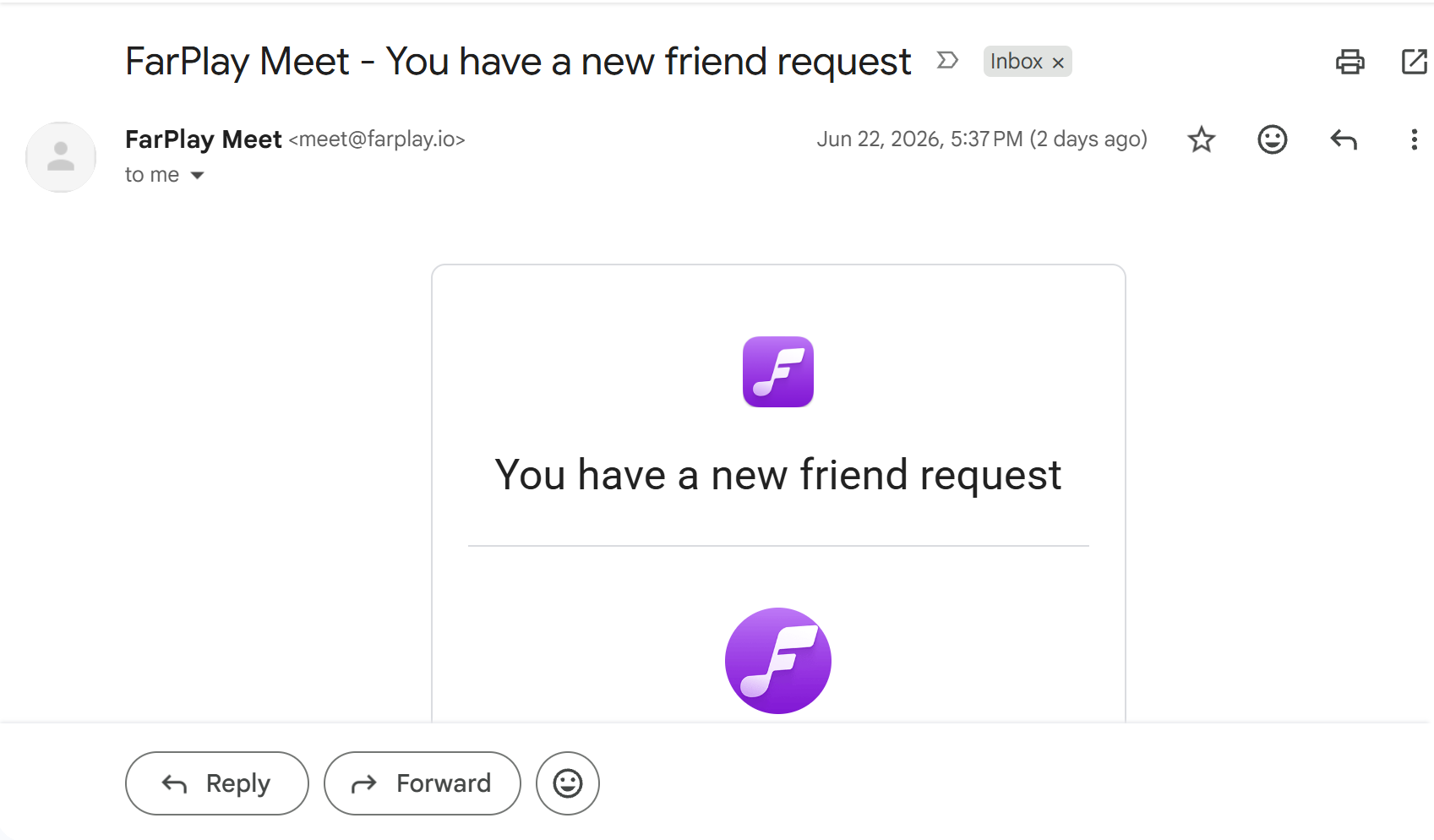
No problem at all. Thanks for the quick response; I now have access. What precipitated my concern was that I received an email notice for a new Connection Request (screenshot attached). However, I’m not seeing the request now that I can go to the Meet area. I guess the email notification was an error?
Thanks!
Dante
Hi Dante,
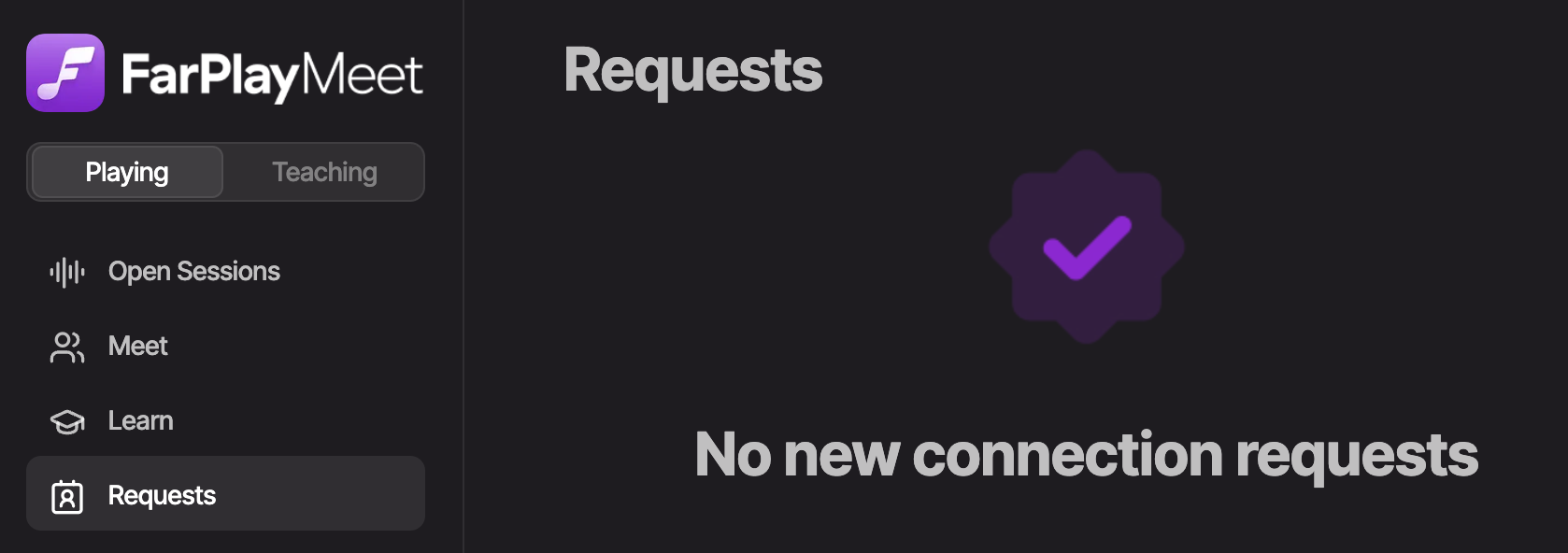
So happy you’re able to get into Meet again! Maybe someone cancelled a connection request. Could you click Requests in Meet and see whether Meet shows you a “No new connection requests” message (example below)?

Thank you,
David Liao
-
This reply was modified 4 months ago by
David Liao.
-
This reply was modified 4 months ago by
David Liao.
Dear Dante,
The underlying problem that prevented you from accessing Meet yesterday has been fixed.
Thanks for your patience with this,
David Liao
Hi David, I’ll assume that the email I received that said, “You have a friend request,” was an error related to what you fixed (see the screenshot in my last post). Thanks again for everything! Kind regards, Dante
Meet is down for me.. Timeouts accessing the url
Same here, was working fine for me, until I made a session live on meet from within the app, then it just spins and wont load.
Yes, Meet is down for me as well.
Hi Chris, Jeff, and Paul,
Meet is currently down for me too, and I’m checking with the team.
Thank you,
David Liao
Hi everyone, indeed Meet is down, and unfortunately it’s going to be a few hours before we can get it back online. Thanks for your patience while we deal with this.
Dan
Hi everyone, Meet is up again as of about 6:00am New York time (about 1 hour 45 minutes ago). Sorry for the inconvenience.
Thank you for your patience,
David Liao