Luna & FarPlay listening
-
Hello Folks, Question about using the Universal Audio Luna DAW.
Has anybody been able to listen to Luna outputs with FarPlay? Not sure how to get Luna playback on a channel in the FarPlay Mixer window, or any other way. Thank you if anyone can assist. Trying to do remote work and play tracks for people.
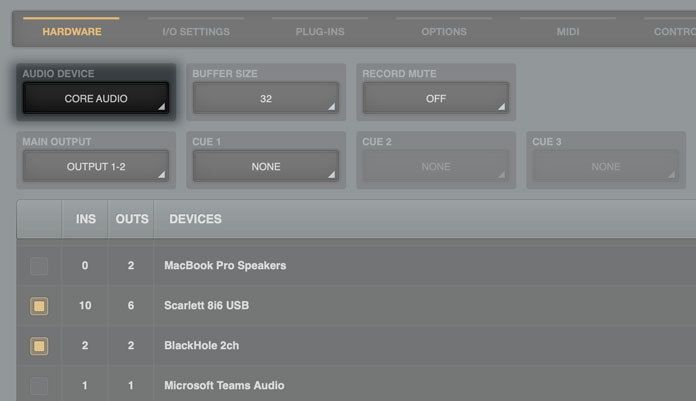
Using an iMac 27 on Ventura 13.7.8, with 2 UA Apollo x8p units. With Logic or ProTools this is easy. But with Luna (and/or it’s Console app) you can’t see the outputs to assign to FarPlay Input.
Have tried some 3rd party apps but haven’t had any luck. (blackhole, loopback, audio hijack, etc)



Viewing 1 replies (of 1 total)
- You must be logged in to reply to this topic.