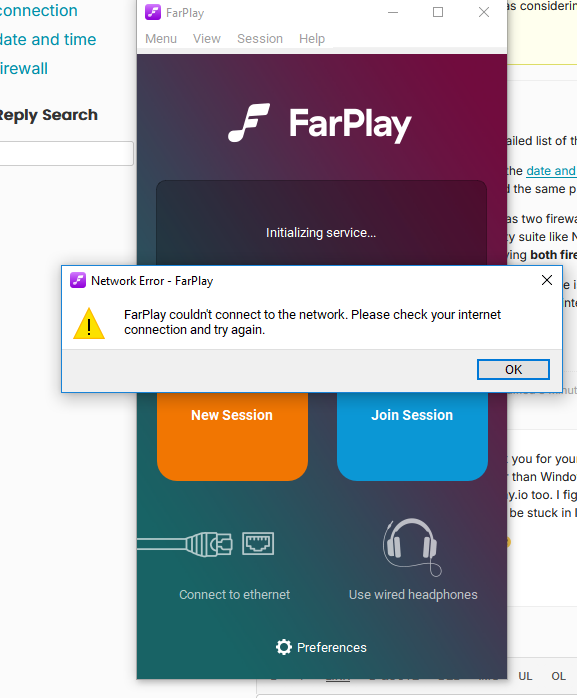
Farplay couldn’t connect to the network

  • Hi,

    Thanks for the detailed list of the things you tried.

    Please make sure the date and time are correct on your Windows PC. Correcting the system date and time fixed the same problem for another user (on a Mac) a while ago.

    Sometimes a PC has two firewalls (one that comes with Windows and a second that’s part of a 3rd-party security suite like Norton or AVG). Please look for a second firewall. If you find one, please try having both firewalls off at the same time.

    When the PC’s Ethernet cable is connected and the PC’s Wi-Fi is off, does your PC otherwise successfully connect to the internet (browse YouTube, farplay.io, etc.)?

    Thank you,
    David Liao

    • This reply was modified 21 hours, 46 minutes ago by David Liao.

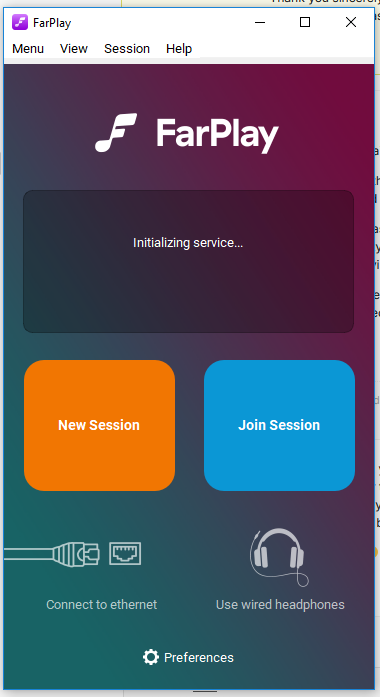
    Hello David! Thank you for your fast reply 🙂 Yes Date and time are correct on the pc. And no other firewall other than Windows Defender Firewall. I’m able to surf to websites such as youtube and farplay.io too. I figured I’d give you a detailed description to save us some time. heheh! It seems to be stuck in Initializing mode if that is any helpful info as well?

    Thank you again 🙂

    Here’s the views I see when I press New Session button

    Thanks so much for the helpful screenshots!

    If you extract this zip archive and open the farplay.exe file in the extracted folder, does the same error occur?

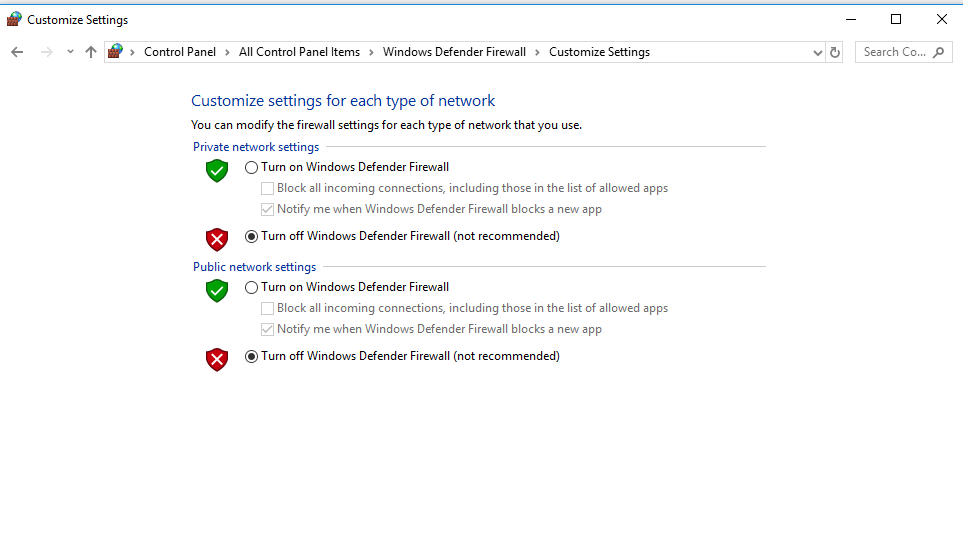
    Could you share a screenshot of your Windows firewall settings?

    Thank you,
    David Liao

    Hello David!

    Thank you for the zip archive. Yes same error occurs when i click on the farplay.exe file inside that extracted folder. I was hoping for it to work tho heeh! Here’s a screenshot of the firewall settings.

    Attachments:

    Trying to remember the events yesterday. I can’t be exactly sure, but i do remember I was using Farplay along with Jack Audio and managed to get Adobe Audition connected to Jack Audio. I then tryed to get mixxx talking to Jack Audio. That didn’t work. And so i moved on to something else and at some point later I noticed the wifi connection was completely gone off the list of wifi connections (the lower right side of windows). I rebooted the router a couple times till it came back. But I can’t be sure when I noticed farplay wasn’t connecting….. Before or After the wifi disapeared. OMG I hope I didn’t destroy Farplay on my end forever heheh!

    David,

    Thank you so very much for trying to fix this for me. I think maybe I’ll just resolve to where I will do a Windows 11 update. I have to clear my pc of a Gig and Half of things first cuz Microsoft is giving me the only choice of wiping the pc fresh install. No update 😀 I’ll let you know how that goes and hopefully that will take care of things and Farplay will work again on Windows 11. I’ve broken it. 🙂

Viewing 7 replies - 1 through 7 (of 7 total)
  • You must be logged in to reply to this topic.